Sign up and complete your profile
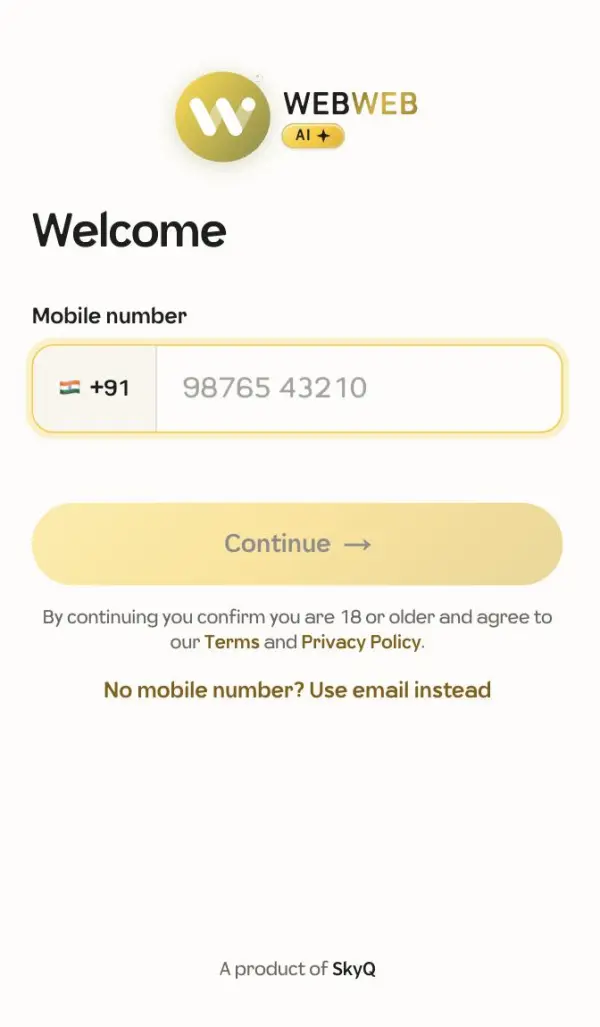
Log in with your mobile number, choose business or job seeker, and add your area.
- Open WebWeb and enter your mobile number. You get a one-time code (OTP) by SMS.
- Choose who you are: a business (entrepreneur) or a job seeker.
- Add your name, business name or job title, industry and area.
- Pick a short link for your page, such as webweb.ai/@yourname.
Make your profile strong
- Add a profile photo and a cover image.
- Add the areas you serve or want to work in. Asks near those areas reach you first.
- Businesses: add your GST number and a few catalog items. Job seekers: add skills and experience.
A fuller profile gets more relevant asks and more trust from other members.