Review the responses on your ask
See who answered, call or chat, and rate each answer so better matches reach you.
When someone answers, you get a notification. Open your ask to see every response with what they shared.
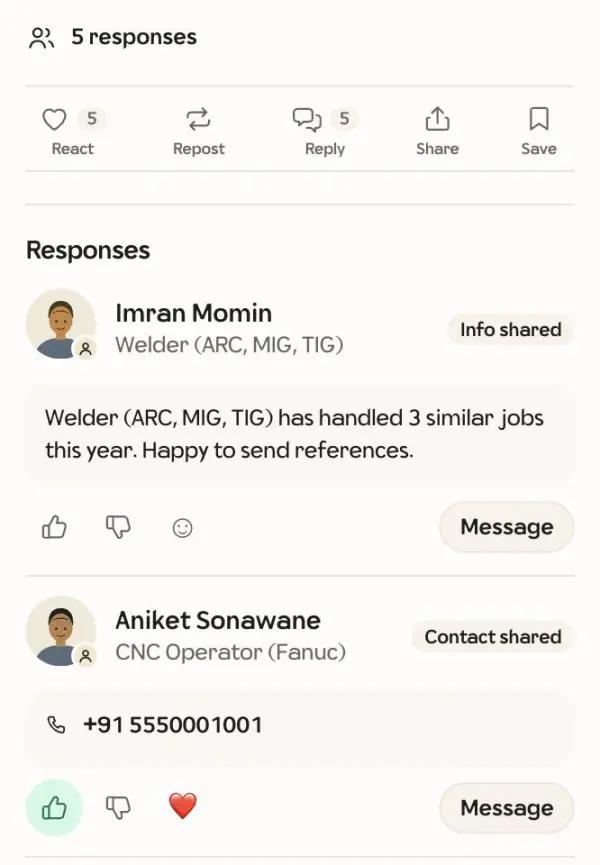
- A contact: their name and number, ready to call or chat.
- A photo or a note: shown with their name. Tap the name to open their page, or message them from there.
- A referral: a contact someone recommended from their phone book.
Rate the answers
Give a thumbs up to useful answers and a thumbs down to ones that didn't fit. Ratings are private to you, help good members earn their verified badge, and teach WebWeb who to send your next ask to.